Get Secure Zero Trust Data Access to Manage and Control Your Unstructured Data
Manage access and sharing of files and folders to bring zero trust chain of command over your unstructured data.
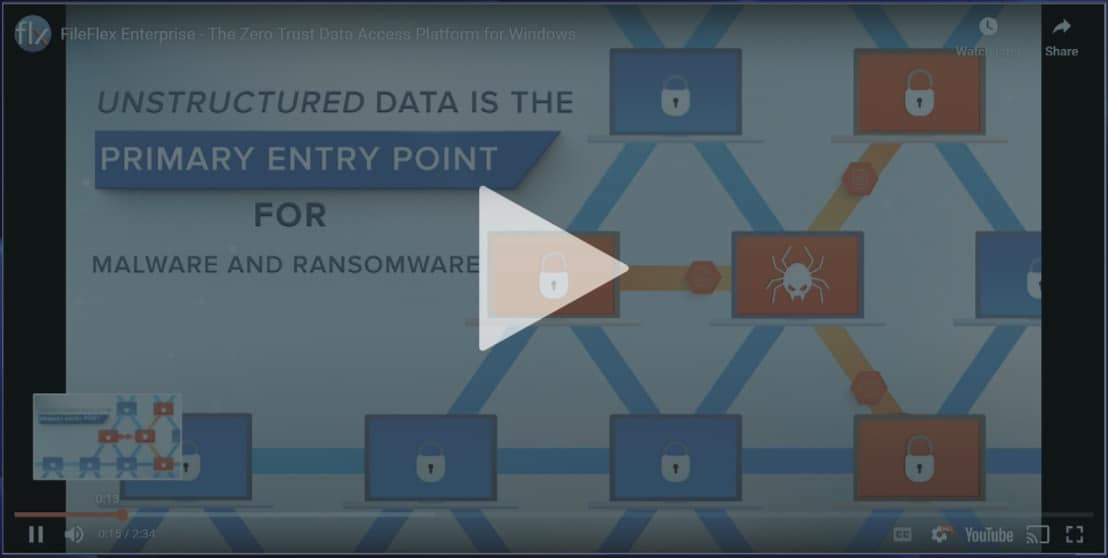
FileFlex Enterprise Overview Video (2:35)
Secure Federated Zero Trust Data File Access and Sharing Now Integrated into Windows Across Your Hybrid Storage Infrastructure
Zero trust data remote access, sharing, collaboration and management of files and folders directly from Windows file manager and Windows apps. Your files can be located anywhere – on on-premises storage (NAS, SAN, DAS), cloud-hosted storage (S3, Azure, Google, public clouds) or on SharePoint, and on any of your domains. And you get 100% centralized IT control with decentralized real-time enforcement of your global data with alerts.

Zero Trust Data Access Reduces the Risk of Ransomware

ZTDA Across the Enterprise Mitigates Today’s Ransomware Chaos
The FileFlex for Windows solution unifies the data access and governance of data storage across multiple domain environments using a zero trust data architecture to reduce the risk of ransomware.
“As ransomware continues to wreak havoc on organizations, security and risk management leaders must take a data-centric view of this data-focused threat.”

How FileFlex Transforms Enterprise Chain-of-Command Over Unstructured Data




Best In Class Technology Alliance Partners

Integration Technology Partners

No App Required… Seamless Zero Trust Windows Integration

Seamless plug and play Windows overlay service for global organizations

No duplication of your data

No change in workflow, no learning curve for users

No additional storage infrastructure
Management Dashboard Gives IT Chain-of-Command
Centralized Control. Decentralized Enforcement.
The management console allows IT administrators to provide subsidiaries, partners and supply chains to add their own storage repositories and users to FileFlex Enterprise as siloed tenants while the centralized IT administrator maintains control, visibility and access over all tenants.

User Management
Set user permissions and control access to the storage and files they can access.

Storage & Sharing Management
Granular control over sharing and storage permissions micro-segmented down to file level to protect PHI, PII and confidential data.

Data Activity Tracking
FileFlex logs all activities across your enterprise storage and sends log data to your SIEM software where you can create relevant rules and alerts. It provides unlimited visibility to all remote data access and shares.

FileFlex Completes Your Zero Trust Protection

Extending Zero Trust Chain-of-Command Over Remote Data Access & Sharing
FileFlex Enterprise completes your Zero Trust migration and is a great compliment to Zero Trust Network Access (ZTNA) and Zero Trust Application Access (ZTAA) solutions because it is not limited to a network segment or application, but provides IT-controlled access and sharing micro-segmented to the file and folder level across the entire infrastructure of on-premises, cloud-hosted and SharePoint storage.
Insights You Can Use
Download Report: Understanding Zero Trust Data Access Using FileFlex
Learn how Zero Trust Data Access can be implemented across an enterprise using FileFlex.
• Estimated reading time: 10 minutes
Proposed ZDTA Action Plan for Enterprise
• Estimated reading time: 3 minutes
How to Securely Share Data
• Estimated reading time: 2 minutes
The FileFlex Enterprise Commercial Platform for Zero Trust Data Access
• Estimated reading time: 3 minutes
Zero Trust Data Access Methods
• Estimated reading time: 3 minutes
Risks to Unstructured Data
• Estimated reading time: 2 minutes